Why You’re Invisible on Google Maps (And How to Fix It) | Level Up Business
Let’s be honest: there is nothing more frustrating than pulling out your phone, typing in exactly what your business does, and seeing... nothing. Or worse, seeing your competitor, the one with the outdated website and the grumpy receptionist, sitting comfortably in the #1 spot while you’re buried on page three, or missing from the map entirely.
If you feel like your business is a ghost in your own neighborhood, you aren’t alone. But here’s the cold, hard truth: Google doesn’t have a vendetta against you. It’s not a glitch, and it’s not bad luck. Google is an algorithm, and right now, that algorithm doesn't see you as the most "relevant" or "trustworthy" answer to a neighbor’s problem.
In this guide, we’re going to stop the guessing game. We’re going to look under the hood of why you’re invisible on Google Maps and give you the exact roadmap to start showing up, standing out, and, most importantly, getting the phone to ring.
The "Local Pack" Power: Why Being Invisible is Costing You Everything
Before we fix the problem, we have to understand the stakes. When someone searches for a "dentist near me" or "emergency plumber," Google displays what we call the Local Pack (or the Map Pack).
This is the holy grail of local marketing. It’s the three businesses that appear at the very top with a map, star ratings, and a "Call" button. According to recent data, the Local Pack receives nearly 50% of all clicks for local searches.
If you aren't in those top three spots, you aren't just losing "traffic." You are losing the high-intent customers who are standing in their kitchens with a credit card in their hand, ready to hire someone right now.
1. Your Google Business Profile is "The Bare Minimum" (And That’s the Problem)
Most business owners treat their Google Business Profile (GBP) like a "set it and forget it" digital business card. They uploaded a logo in 2022, added their phone number, and called it a day.
Why this makes you invisible: Google favors businesses that are active and thorough. If your profile is incomplete, Google feels less confident recommending you to users.
How to Fix It:
Maximize Every Field: Don't just list your category as "Contractor." Use the specific sub-categories like "Kitchen Remodeler" or "Deck Builder."
The "Post" Feature: Treat your GBP like a mini-social media feed. Post updates, special offers, and photos of your latest work at least once a week. This signals to Google that you are "open for business" and actively serving customers.
Photo Quality: Upload 5–10 new photos every month. Geotagged photos (photos taken on-site with a smartphone) are gold because they prove to Google that you are actually working in the location you claim to serve.
2. The Ghost Town Syndrome (The Review Gap)
You might be invisible because your reputation is stagnant. If your competitor has 150 reviews and a 4.8-star rating, and you have 12 reviews from three years ago, Google’s algorithm is going to choose them every single time.
The "Velocity" Factor: It’s not just about the total number of reviews; it’s about review velocity. Google wants to see that people are talking about you now. A business that hasn't received a review in six months looks like a business that might be closed.
How to Fix It:
Ask Every Time: Don’t be shy. Make review collection a part of your workflow.
Respond to Everything: When you respond to a review (both good and bad), you are showing Google you are engaged. Pro-tip: Use your keywords in the response. Instead of saying "Thanks for the review!", try "Thanks for choosing us for your AC repair in [City]! We’re glad we could help."
Consistency over Quantity: One new review a week is better for your rankings than twenty reviews in a single day followed by months of silence.
3. The "NAP" Nightmare: Conflicting Information
"NAP" stands for Name, Address, and Phone Number. Google is a massive fact-checker. It constantly scans the internet (Yelp, Facebook, Yellow Pages, your website) to see if your information matches.
If your website says "Suite 101" but your Facebook says "Unit A," and your Google profile just says the street address, Google gets "confused." When Google is confused, it loses trust. When it loses trust, it hides you.
How to Fix It:
Audit Your Citations: Perform a search for your business name and look at every directory. Ensure the formatting is identical everywhere.
Use a Single Source of Truth: Pick one format for your address and stick to it religiously.
4. Your Website Isn't "Talking Local"
Traditional SEO focus on broad topics. Local SEO, the kind that gets you on the map, requires Local Relevancy. If your website is full of generic information about your industry but never mentions the specific neighborhoods, landmarks, or cities you serve, Google won't associate your site with that physical location.
How to Fix It:
Hyper-Local Content: Stop writing blogs about "The History of Plumbing." Start writing about "How to Prevent Frozen Pipes in [Your City] Winters."
Embed the Map: Ensure a Google Map of your location is embedded on your Contact Page.
Service Area Pages: If you serve multiple towns, create a dedicated page for each one. "Roofing Services in [Town A]," "Roofing Services in [Town B]," etc.
Book a Free Strategy Call with Level Up Business → No pressure, no fluff. Just a real conversation about what’s holding your local visibility back.]
5. You’re Playing "The Proximity Game" and Losing
Google takes your physical location very seriously. However, many businesses find they rank well for someone standing right outside their door, but disappear the moment a customer is two miles away.
This is often caused by a lack of Local Authority. While you can't move your office closer to everyone, you can expand your "radius of relevance."
How to Fix It:
Local Backlinks: Get mentioned by local news outlets, sponsor a local Little League team, or join the Chamber of Commerce. A link from a local organization is worth ten links from national sites because it anchors your business to your specific community.
Address Hidden Issues: If you are a service-area business (like a plumber) and don't have a physical storefront, ensure you have correctly set your "Service Areas" in your GBP settings.
The Difference Between "Ranking" and "Converting"
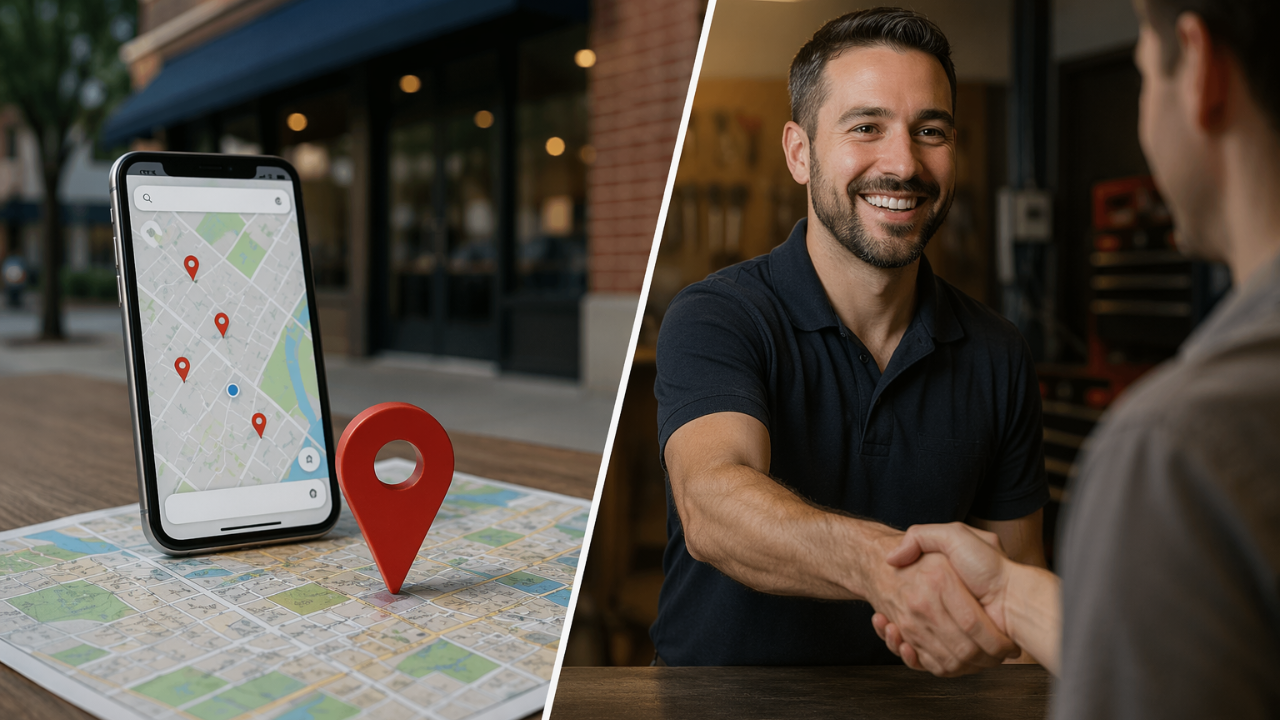
At Level Up Business, we see this all the time: a business finally gets on the map, but the phone still doesn't ring.
Why? Because showing up is only half the battle. Once you are visible, you have to look better than the other two guys in the Local Pack. This comes down to your Profile Health.
Are your hours up to date?
Do you have a "Book Now" or "Message" button enabled?
Is your primary photo a high-resolution shot of your team or storefront, or is it a blurry picture of a truck?
Visibility gets you the impression. Trust gets you the call.
Stop Being a Ghost. Start Being a Choice.
Fixing your visibility on Google Maps isn't a one-time task; it’s an ongoing discipline. But the ROI is massive. Unlike traditional advertising, where you have to "interact" with people who might not be interested, Google Maps puts you in front of people at the exact moment they need you.
You’ve worked too hard on your business to be the best-kept secret in town. It’s time to claim your spot on the map.
Summary Checklist for a Visibility Fix:
Claim and Verify your Google Business Profile.
Standardize your NAP (Name, Address, Phone) across the web.
Audit your reviews and start an automated system to get new ones.
Update your website with local keywords and service area pages.
Post weekly to your Google Profile with photos and updates.
Ready to Dominate Your Local Area?
At Level Up Business, we don’t believe in "vanity metrics." We don't care about "impressions" if they don't turn into income. We specialize in helping local businesses like yours stop being invisible and start dominating their local market.
Whether you need a complete Local SEO overhaul, a website that actually converts, or an automated system to pull in 5-star reviews while you sleep, we’ve got your back.
Learn more about our local SEO services
The businesses winning on Google Maps right now aren't lucky, they’re optimized. It’s your turn. Let's get to work.