


How to Rank Locally When You Don’t Have a Storefront
Here’s a question that trips up a lot of small business owners: “Can I actually rank on Google if I don’t have a physical location my customers walk into?”
Maybe you’re a plumber who works out of a van. A freelance accountant who meets clients at their offices. A house cleaner, a dog trainer, a mobile auto detailer, a personal trainer who does in-home sessions. You run a real business, serve real customers, and work hard every single day, you just don’t have a storefront with a sign out front.
The good news: you absolutely can rank locally. Google has an entire framework built for businesses like yours. It’s called a service-area business (SAB), and when set up correctly, it competes directly with brick-and-mortar businesses for the same local search real estate.
The bad news: most service-area businesses either don’t know how to set this up properly, or they’re making mistakes that quietly keep them off the map. This guide fixes that.
Why Google Treats Service-Area Businesses Differently
When someone searches “plumber near me” or “home cleaning services in [city],” Google pulls up the local Map Pack, that block of three businesses with star ratings, phone numbers, and directions. For most people, that’s where the search ends. They call one of those three businesses.
The Map Pack is built around location signals. Google uses your address, the area you serve, your Google Business Profile, and dozens of other factors to decide who gets those coveted three spots. For a business with a storefront, the address is the anchor. For a service-area business, it’s more nuanced, and that’s where many SABs fall apart.
The mistake most people make: they either hide their address on Google Business Profile (which is correct for SABs) but then fail to signal their service area clearly in other ways, or they list a home address publicly and attract calls from customers who show up at their door.
Google isn’t trying to penalize you for not having a storefront. It just needs different signals from you than it needs from a restaurant or retail shop. Your job is to send those signals consistently and correctly.
Step 1: Set Up Your Google Business Profile the Right Way
Your Google Business Profile (GBP) is the single most important asset for local ranking, storefront or not. If you haven’t claimed yours, stop reading and do that first at business.google.com.
For service-area businesses, here’s exactly how to configure it:
Choose “Service-Area Business” as Your Business Type
When setting up or editing your profile, Google gives you the option to specify that you serve customers at their location. Select this. Do not list a physical address you want to keep private, Google allows you to hide your address while still showing up in local results.
Define Your Service Area Precisely
Google lets you add up to 20 service areas. Be strategic here. Don’t just list your entire state and hope for the best, Google’s algorithm rewards specificity. Add the specific cities, towns, and counties you actually serve. If your sweet spot is a 30-mile radius from your home base, list those communities by name.
Pick the Right Primary Category
Your primary category tells Google what kind of business you are. Be as specific as possible. “Plumber” outperforms “Home Services.” “Mobile Dog Groomer” outperforms “Pet Services.” The right category puts you in front of the right searches.
Complete Every Section
Business description, services, service areas, hours, phone number, website, all of it. Incomplete profiles rank lower. Google rewards businesses that give it more information to work with. Add photos too, even if it’s just your vehicle, equipment, or before-and-after work shots. Profiles with photos get significantly more clicks than those without.
Not Sure If Your Google Business Profile Is Set Up Correctly?
Level Up Business offers a free local SEO strategy session where we audit your profile and show you exactly what’s holding back your ranking.
Book Your Free Strategy Meeting
Step 2: Get Your NAP Data Consistent Across the Web
NAP stands for Name, Address, and Phone number. Even if you hide your physical address on Google, your business name and phone number still need to appear consistently everywhere your business is listed online, Yelp, Facebook, Bing Places, Apple Maps, industry directories, and anywhere else.
Here’s why this matters: Google cross-references your business information across dozens of sources to verify that you’re a legitimate, established business. If your name appears slightly differently on three different platforms, or you’ve got an old phone number still live somewhere, those inconsistencies weaken your trust signals.
For service-area businesses specifically:
Use your business name exactly the same way everywhere. “Ace Electrical” and “Ace Electrical Services LLC” are two different businesses to a search engine.
Use a consistent phone number, ideally a local area code rather than a toll-free number, which carries stronger geographic relevance.
For address fields on directories that require one: use your city and state if you want to keep your exact address private. Some directories allow service-area entries without a street address.
Audit your existing listings at least twice a year to catch outdated information before it compounds.
Step 3: Build Local Authority Through Reviews
Reviews are the great equalizer between service-area businesses and storefronts. A mobile dog groomer with 85 reviews and a 4.9-star rating will outrank a grooming salon with 12 reviews and a 4.1 every single time. Google’s algorithm weighs review quantity, recency, and quality heavily in local rankings.
For service-area businesses, reviews also do something extra: they establish geographic proof. When a customer in Scottsdale leaves you a review that mentions their neighborhood, or a client in Phoenix mentions the specific area you served them, those location signals in your review text actually help Google understand where you operate, which strengthens your local ranking in those areas.
Build a Review Generation System
Don’t wait and hope. Build a repeatable process for asking satisfied customers to leave a Google review. The most effective approaches for service-area businesses:
Send a follow-up text within 24 hours of completing a job with a direct link to your Google review page.
Include a QR code on your invoice or receipt that goes straight to your review page.
Add a simple ask at the end of every job: “If you’re happy with the work, it would mean a lot if you left us a quick Google review, here’s the link.”
Consistency matters more than volume. Ten new reviews a month over six months beats a one-time push for 60 reviews and then nothing. Google values recency, a steady stream of fresh reviews signals an active, thriving business.
Respond to Every Review
Responding to reviews, positive and negative, signals engagement to Google and builds trust with potential customers who read your responses before calling. Keep responses warm, genuine, and specific. A one-line “Thanks!” is better than nothing, but a thoughtful two-sentence response is better still.
Step 4: Create Location-Specific Content on Your Website
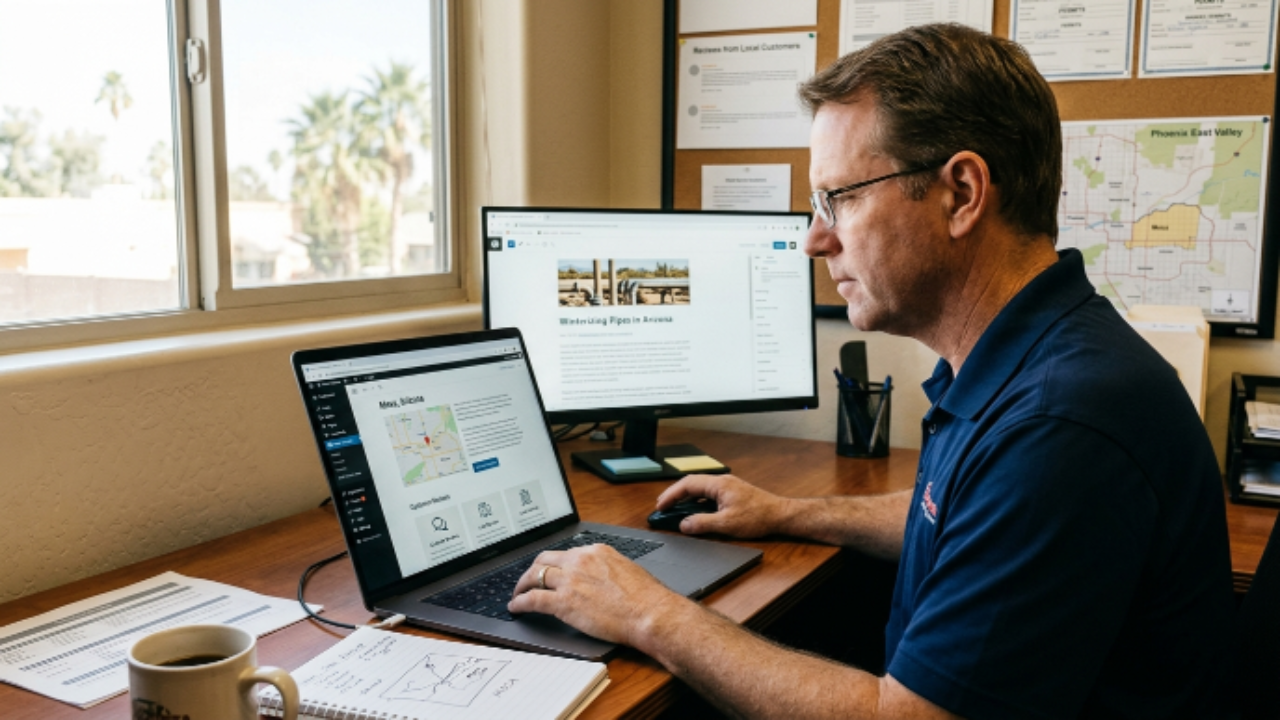
This is where most service-area businesses leave ranking opportunities on the table. If your website has one generic homepage and no mention of the specific cities or communities you serve, Google has almost nothing to work with when deciding whether to show you in local searches for those areas.
The fix is creating location-specific content, and it doesn’t have to be complicated.
Service Area Pages
Build a dedicated page for each major city or area you serve. Not identical copy-pasted pages with just the city name swapped out, Google penalizes thin, duplicate content. Each page should speak genuinely to that community: neighborhoods you’ve worked in, local landmarks you’re familiar with, any specific needs or challenges customers in that area commonly have.
A good service area page for a plumber in Mesa, Arizona might mention common hard water issues in the area, the neighborhoods they regularly service, and a handful of reviews from Mesa customers. That’s a page Google can confidently rank for “plumber in Mesa.”
Blog Content That Targets Local Search
Publishing helpful, locally relevant blog content builds your website’s authority and creates more entry points for search. Think: “How to Winterize Your Pipes in [City],” “Best Time of Year to Deep Clean Your Home in [Region],” or “Why [City] Homeowners Deal with [Common Problem] More Than Most.” These aren’t articles for a national audience, they’re built to rank locally for the customers you actually want.
Want a Website That Actually Ranks in Your Service Area?
Level Up Business builds SEO-focused websites for local service businesses, designed from the ground up to attract local customers and convert them.
Step 5: Get Listed on the Right Directories
Local citations, mentions of your business across online directories, are still a meaningful local SEO signal, even for businesses without a storefront. The platforms that matter most for service-area businesses:
Google Business Profile, non-negotiable, this is your anchor.
Yelp, still widely used for service businesses, especially in home services and health.
Facebook Business Page, a trust signal and a platform where many customers look for reviews.
Bing Places, often overlooked, but Microsoft’s search engine powers a meaningful share of local searches.
Apple Maps, increasingly important as more people use Siri and Apple devices to find local services.
Angi, Thumbtack, HomeAdvisor, for home service businesses, these platforms drive significant leads in addition to citation value.
Industry-specific directories, Healthgrades for healthcare, Houzz for home improvement, Avvo for legal, and so on.
The goal isn’t to be listed everywhere. It’s to be listed accurately on the platforms your customers actually use to find businesses like yours, and to make sure your information is consistent across all of them.
Common Mistakes Service-Area Businesses Make on Google
Listing a P.O. Box as a business address. Google doesn’t allow P.O. Boxes as business addresses and may suspend your listing if discovered. Use your actual location or hide your address and configure your service area instead.
Setting a service area that’s too broad. Listing your entire state as a service area doesn’t help you rank in any specific city. Google rewards specificity. Serve 8 cities? List all 8.
Having no website, or a website that doesn’t mention your service areas. Your GBP and your website work together. A strong profile with a weak website, or no website at all, limits how high you can rank.
Letting your Google Business Profile go stale. Profiles with recent posts, fresh photos, and up-to-date information outperform neglected ones. Log in at least monthly. Post an update, add a new photo, respond to any new reviews.
Not asking for reviews at all. For a service-area business, reviews are your storefront. They’re what potential customers see when they find you. A sparse review profile signals a business that either doesn’t do much work or doesn’t care enough to follow up. Neither is a message you want to send.
How Long Does It Take to Rank as a Service-Area Business?
This is the most common question, and the honest answer is: it depends on your starting point and your competition.
Here’s a realistic timeline for a service-area business starting from scratch or cleaning up a neglected presence:
0–30 days: Your Google Business Profile is set up correctly, service areas are defined, and your website has basic location content in place.
30–90 days: With consistent review generation and a few citations cleaned up, you start appearing in local searches for less competitive terms and neighboring cities.
3–6 months: If you’re building reviews consistently, publishing local content, and your profile stays active, you should see meaningful Map Pack visibility in your primary service areas.
6–12 months: Businesses that treat local SEO as an ongoing strategy, not a one-time setup, tend to dominate their local Map Pack and maintain that position.
The businesses that rank at the top of local search in competitive markets didn’t get there by accident. They built a system and ran it consistently. The good news for service-area businesses is that most of your local competitors aren’t doing this well, which means there’s real opportunity if you show up and play the long game.
Frequently Asked Questions
Can I rank in the Map Pack without a physical address?
Yes. Google explicitly supports service-area businesses and allows you to hide your address while still appearing in local search results. Your service area configuration, reviews, website, and citation consistency are what drive your ranking, not a storefront.
How many service areas should I add to my Google Business Profile?
Add every city, town, or county you realistically and regularly serve, up to Google’s limit of 20. Be honest. Listing areas you don’t actually serve to try to expand your reach can backfire, and Google’s algorithm is increasingly good at detecting mismatches between claimed service areas and actual customer activity.
Does using a home address hurt my ranking?
Not inherently, many service-area businesses use their home address as their registered location. What matters is whether you hide it from public view (recommended if you don’t want customers showing up) and whether it’s consistent across all your online listings. A hidden home address that’s consistent and correctly configured works just fine.
What if I serve multiple cities, do I need multiple Google Business Profiles?
No. Google prohibits creating multiple profiles for the same business just to cover more geography. You get one profile per business location. Use your service area settings to define where you operate, and let your website’s location-specific pages do the heavy lifting for ranking in individual cities.
Is local SEO worth it for a service-area business, or should I just run ads?
Both have their place, but local SEO and paid ads serve different purposes. Ads deliver immediate visibility but stop the moment you stop paying. Local SEO builds a compounding asset, a ranking that generates free, ongoing traffic month after month. Most successful service-area businesses use ads to get leads while they build their organic presence, then rely more on SEO as their ranking grows.
Ready to Show Up Where Your Customers Are Searching?
Level Up Business helps service-area businesses build the local SEO presence they deserve, from Google Business Profile setup to review systems, location pages, and beyond. No guesswork. Just results.